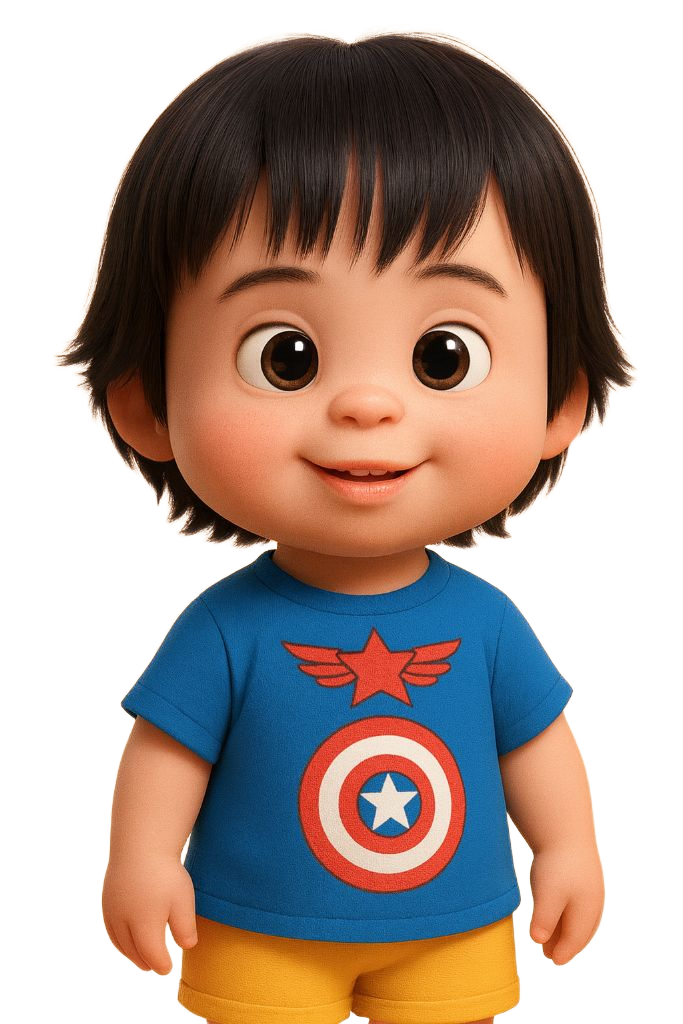
Chicky Setup Guide
Facebook Messenger & Instagram DMs
Facebook Messenger & Instagram DMs
Follow this step-by-step guide to create your dual-platform chatbot for Facebook Messenger and Instagram DMs
Chatfuel is a powerful no-code chatbot platform that works with both Facebook Messenger and Instagram DMs. It offers excellent integration options for payments, scheduling, and customer management with an intuitive visual interface.
Go to https://chatfuel.com and click "Get Started for Free"
Use your business Facebook account (this is required for page access)
Select the business page you want to connect Chicky to
Allow access to messages, page management, and Instagram (if connected)
Make sure your Facebook Page is published and has at least a profile picture and cover photo. This ensures a professional appearance when Chicky interacts with customers.
To use Chicky on Instagram DMs, you need a Professional (Business or Creator) Instagram account connected to your Facebook Page.
Go to Instagram Settings > Account > Switch to Professional Account
In Instagram, go to Settings > Business > Connect to Facebook Page
In Chatfuel dashboard, go to Settings > Instagram and connect your account
Send a test message to verify Chatfuel can receive Instagram DMs
Name: Chicky
Role: Customer Service Superhero
Personality: Friendly, helpful, enthusiastic
Languages: English & Tagalog
Tone: Professional but approachable
✅ Upload Chicky's avatar image
✅ Set welcome message tone
✅ Configure greeting flows
✅ Add personality responses
✅ Set up fallback messages
In Chatfuel Dashboard > Settings > General, set the bot name as "Chicky"
Use the transparent Chicky character image as the bot avatar
Set up Chicky's superhero greeting for new users
Configure timezone for proper scheduling and business hours
Before adding complex flows, make sure the basic setup works on both platforms.
You've successfully set up the foundation. Now let's add Chicky's superpowers!